Browser-based PDF workflows are now part of everyday remote work. Freelancers, agencies, educators, legal teams, and distributed businesses constantly edit, review, sign, and share files across cloud platforms and messaging tools. Contracts, onboarding forms, reports, branded presentations, and collaborative client documents move between devices all day long. Nobody wants heavy desktop software tied to one machine or complicated installation processes anymore. Flexibility and workflow speed now influence tool selection more than ever before.
Modern PDF platforms solve much broader workflow problems than simple editing. Some focus on lightweight browser handling and fast watermarking. Others prioritize collaboration, annotation, document routing, automation, or office-style workflows. Interface clarity, sharing flow, cloud accessibility, and editing convenience often matter more than massive feature lists. The six tools below approach browser PDF workflows from very different angles. Here is how they compare.
Top 6 PDF Platforms Worth Exploring
Browser-based PDF platforms now cover very different workflow styles depending on how teams and individuals handle documents. Some users prioritize quick editing and lightweight sharing. Others need collaborative reviews, document automation, approvals, or broader office workflows. The platforms below solve different parts of remote document handling instead of repeating the exact same editing experience. Let’s get into the list.
1. Watermarkly
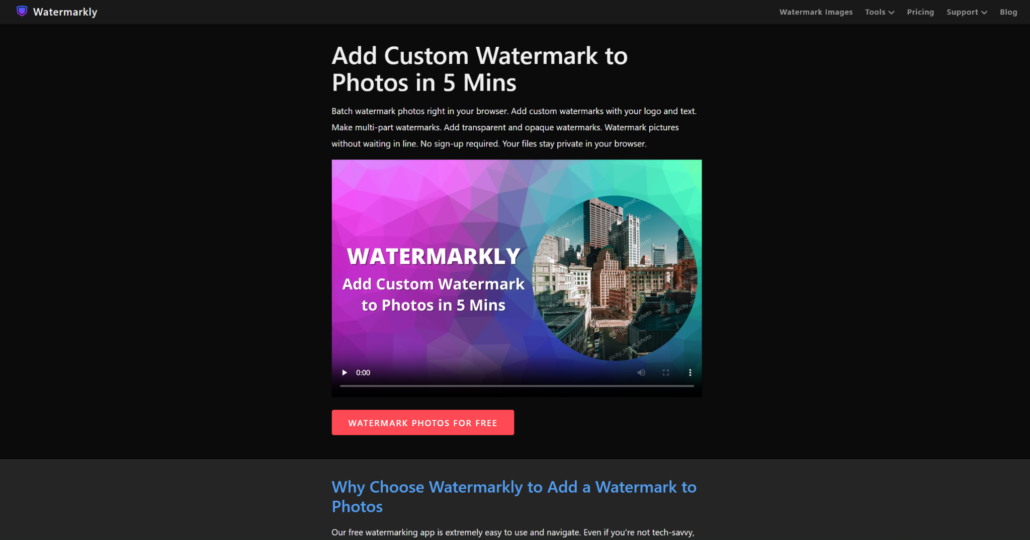
Watermarkly is a browser-based PDF platform focused on fast watermarking and lightweight editing workflows. You can add text or logo overlays without registration or software installation. The interface stays approachable for beginners while still handling repetitive editing sessions efficiently. Freelancers, creators, educators, and small businesses regularly working with branded files online will appreciate the speed-first workflow.
Watermarkly fits best inside remote workflows for people processing branded PDFs, educational materials, client files, presentations, and lightweight editing tasks throughout the day. The platform works especially well when you want direct browser editing without navigating large document systems or unnecessary setup steps.
The platform removes many of the small interruptions that usually slow down repetitive browser editing sessions. Key advantages include:
- Browser-based PDF watermarking with no installation;
- Support for text and logo overlays;
- Batch processing across multiple PDFs;
- Mobile support with free daily processing options;
- Additional resizing, cropping, and compression tools.
Watermarkly feels practical because it avoids unnecessary complexity. Users spend more time editing files and less time managing software environments, setup screens, or overloaded interfaces.
2. Lumin PDF
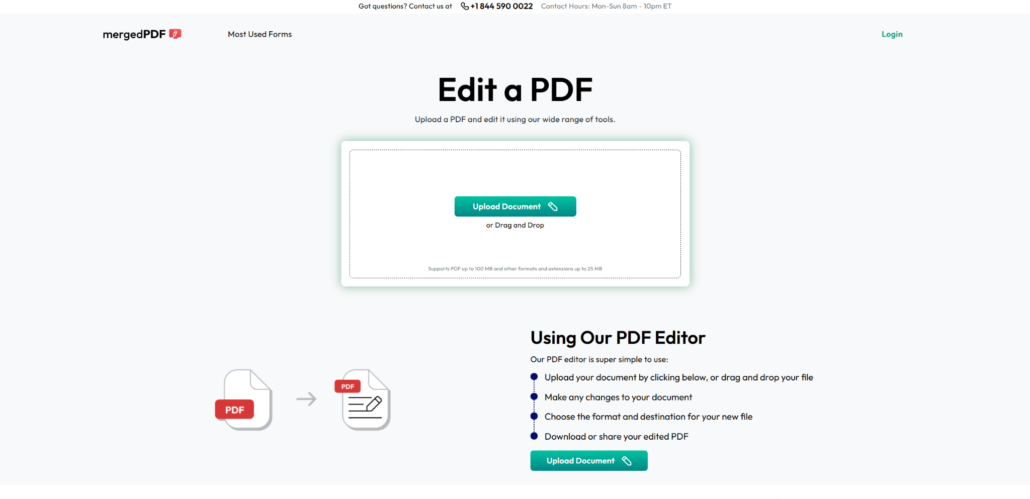
Lumin PDF is a browser-first platform focused on collaboration, signing, annotation, and cloud-connected workflows. The interface feels lightweight while still supporting structured document handling for remote teams and shared editing sessions. The platform integrates naturally into browser-based communication and file-sharing routines. Distributed teams, collaborative reviews, and remote approvals will find this useful. Accessibility and collaborative editing drive the experience.
Remote teams, freelancers, educators, and businesses frequently reviewing or approving shared PDFs online will appreciate Lumin PDF. The platform works especially well when multiple people interact with documents during the same workflow. Collaboration happens in real time.
The platform becomes especially practical when collaboration and document feedback happen across several devices and users. Strong points include:
- Browser-first annotation and signing tools;
- Cloud-connected document collaboration;
- Lightweight interface for shared workflows;
- Accessible handling for remote approvals;
- Real-time document interaction across devices.
Lumin PDF fits teams prioritizing collaborative document handling over heavier office-style PDF systems. The workflow feels streamlined without becoming too minimal.
3. PDFescape
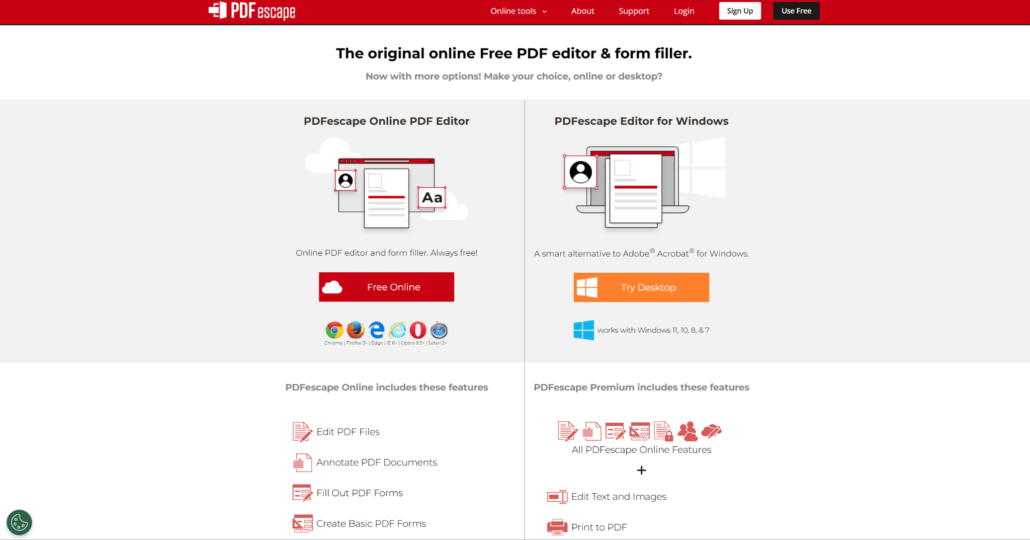
PDFescape is a lightweight browser PDF editor focused on accessibility and quick editing workflows. Annotation, forms, watermarking, and basic document handling exist inside a relatively simple environment. The platform avoids complicated onboarding and keeps the editing process straightforward. Casual editing, remote adjustments, and browser-based document handling all work well here. Simplicity and accessibility are the main draws.
Lightweight edits, forms, annotations, or occasional document adjustments fit PDFescape best. People wanting fast browser access with minimal setup will like this tool. No advanced business systems needed.
PDFescape becomes useful when you care more about quick editing access than highly structured document ecosystems. Key features include:
- Browser-based editing without heavy setup;
- Annotation and form handling tools;
- Accessible interface for casual editing;
- Lightweight workflow for quick adjustments;
- Practical browser-first document handling.
PDFescape works best for users wanting fast access and uncomplicated editing workflows. The platform feels intentionally lightweight rather than overloaded with enterprise-oriented systems.
4. Soda PDF Online
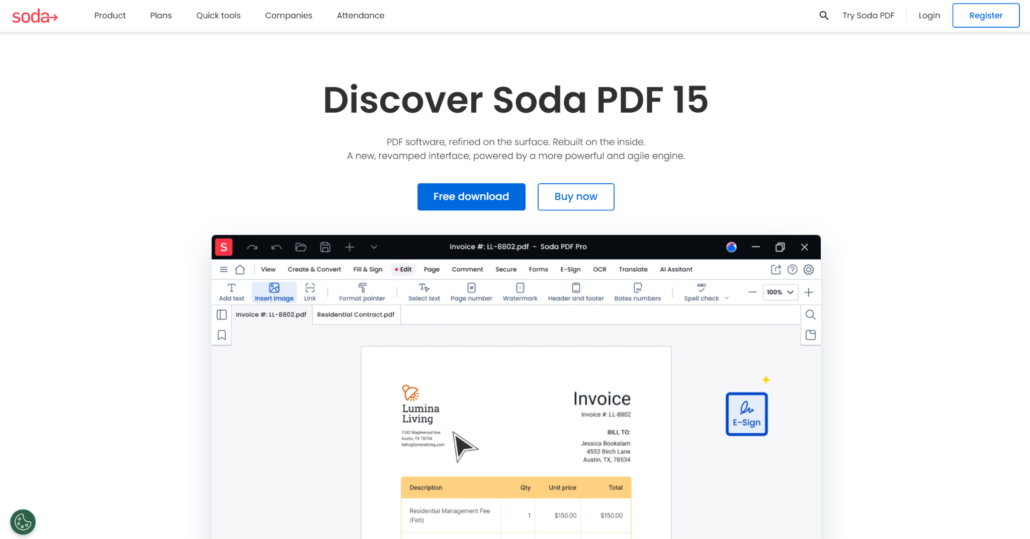
Soda PDF Online balances editing, signing, sharing, and document organization inside one browser-based environment. The platform feels more structured than lightweight editors while still remaining approachable for remote workflows. The interface supports recurring document handling without becoming too technical. Office-style workflows, shared files, and remote business editing all fit here. Balanced workflow structure is the key.
Recurring document editing, approvals, file sharing, and browser-based business workflows where consistency matters match Soda PDF Online naturally. The platform works especially well for users who want broader functionality without moving into highly complex systems.
The service becomes especially practical when you need several document actions available inside one browser workflow. Advantages include:
- Browser-based editing and signing tools;
- PDF conversion and sharing functions;
- Structured workflow for recurring tasks;
- Accessible interface for mixed document handling;
- Balanced editing environment for remote work.
Soda PDF Online fits users looking for a middle ground between lightweight editing tools and heavier document management systems. A solid compromise.
5. Zoho Writer
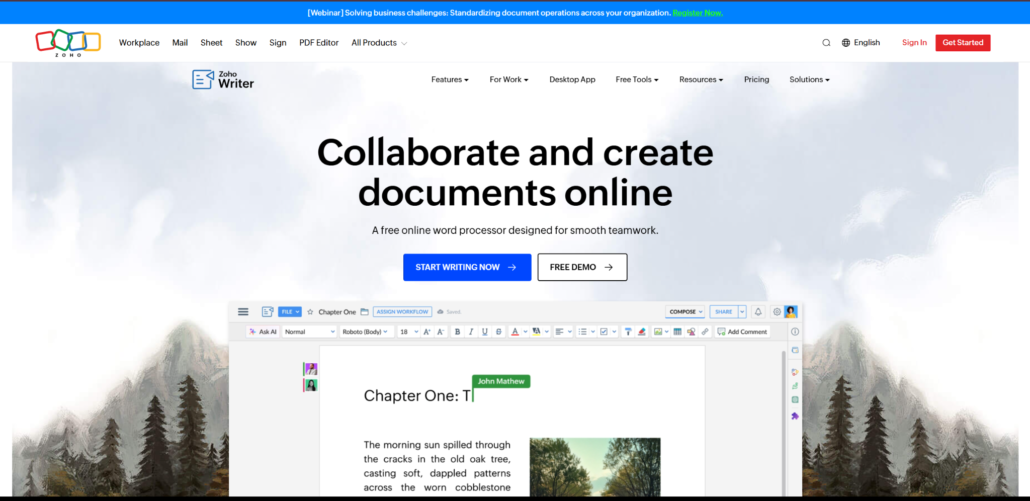
Zoho Writer is a browser-based document platform focused heavily on collaborative workflows and connected office environments. PDF handling exists alongside document creation, editing, approvals, and cloud-connected teamwork. The platform feels more like a shared workspace than a traditional standalone PDF editor. Distributed teams, remote business operations, and collaborative document routines will find this useful. Workflow continuity across shared environments drives the experience.
Teams constantly reviewing, editing, approving, and sharing documents across cloud platforms and collaborative workspaces fit Zoho Writer best. The system works especially well when several people interact with files throughout the same workflow. Everyone stays in sync.
The platform becomes especially useful when document collaboration extends beyond simple editing tasks. Key features include:
- Browser-based collaborative document workflows;
- Cloud-connected editing and sharing tools;
- Structured handling for remote business routines;
- Workflow continuity across shared environments;
- Multi-user collaboration and document reviews.
Zoho Writer works best for teams treating documents as part of broader collaborative workflows. Isolated editing sessions? Not the main use case.
6. Formstack Documents
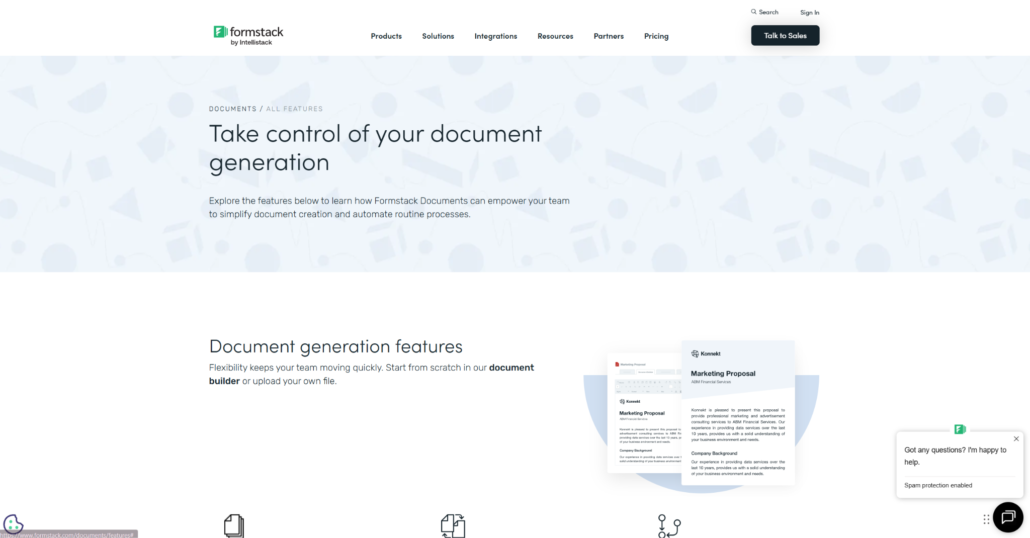
Formstack Documents focuses heavily on document automation, approvals, and browser-based workflow generation. PDF handling exists alongside automated document creation and structured business processes. The platform feels process-oriented rather than centered on casual editing. Onboarding workflows, approvals, recurring paperwork, and remote business operations all fit here. Automation and workflow efficiency are the priorities.
Remote businesses and teams repeatedly generating, approving, routing, and distributing documents online will find Formstack Documents useful. The platform works especially well when documents move through structured processes every day. Repetition is not a problem here.
The service becomes especially practical when workflows depend on repetitive document generation and approvals. Strong points include:
- Browser-based document automation workflows;
- Structured approvals and file routing;
- Automated PDF generation tools;
- Cloud-connected remote business handling;
- Workflow-focused document organization.
Formstack Documents fits teams prioritizing automation and process consistency. Lightweight one-time editing workflows? Probably not the right choice.
Final Thoughts
Browser-based PDF platforms now cover far more than simple editing or conversion. Some focus on lightweight watermarking and quick browser handling. Others prioritize collaboration, document routing, automation, or structured remote workflows. Workflow style matters more than raw feature count when comparing platforms. Each tool in this list solves a different kind of document workflow problem.
Freelancers, educators, remote teams, agencies, and businesses all approach document handling differently depending on how they review, approve, organize, and share files. Some users prioritize quick browser editing. Others rely more heavily on collaborative workflows or automated document handling. Pick the platform that fits naturally into your existing routine. Chasing the most feature-heavy system rarely works out well.


